
Why message people who favourite your items
When someone adds your item to their favourites, it is a strong signal of interest. They might be considering a purchase, or waiting for a discount. A quick message, perhaps with a small discount, increases your chances of making a sale. Doing this by hand for every like is slow, and easy to forget.
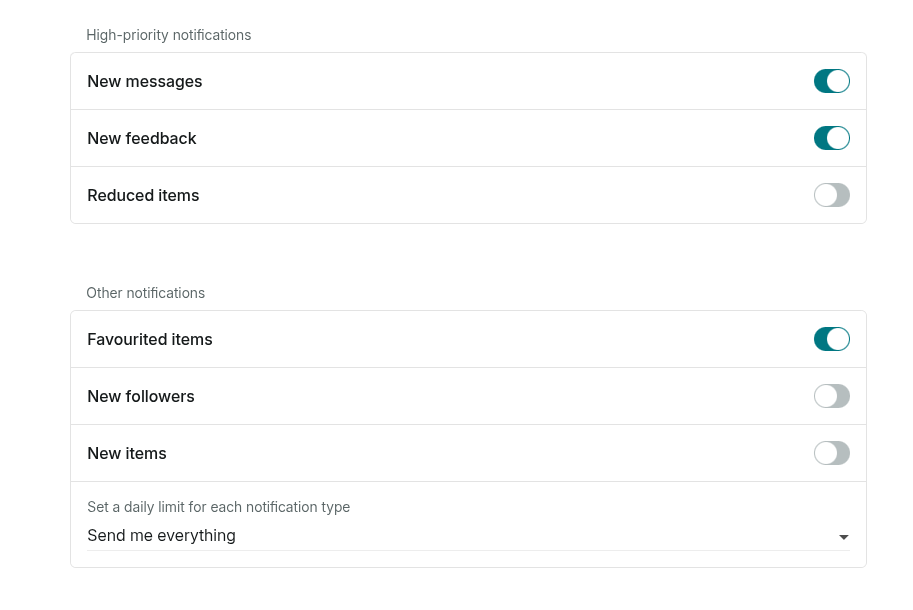
Dotb automates it. It scans your Vinted notifications for new favourites and sends the pre-set message you configured when your conditions are met, so you can engage potential buyers without lifting a finger.
How it works in three phases
- Processing past favourites. Dotb retrieves and analyzes your past notifications. You decide whether to message these users or focus only on recent favourites for a faster start.
- Monitoring real-time favourites. Every 3 minutes, Dotb checks for new favourites and sends messages when the conditions are met.
- Follow-up messages. Some buyers do not reply right away. Dotb checks back a few days later and can send another message, optionally with a discount offer.
Rules that keep it clean
- No duplicate messages: a favourite that was already processed is not messaged again.
- A limit of 1 to 3 messages per user within the number of days you configure.
- No messages when a conversation has already started.
- No messages to blocked or ignored users.
- A limit on messages per item, to spread messages across your items.
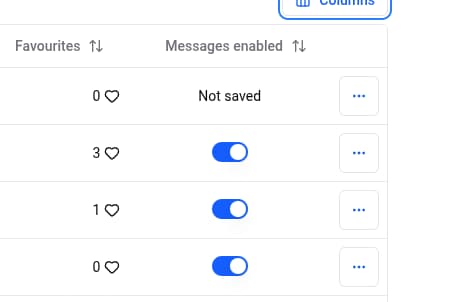
- Automatic messages can be disabled for specific items in the Dressing Panel.
For the full setup, read the Messages to Likes documentation.


