Vinted API

Build your own Vinted tools with Dotb's API and AI

Give the API description to ChatGPT, Claude or Cursor, describe the tool you need, and your AI assistant can write the code.

How it works

  1. 1

    Create an API token

    On the Boutique AI plan, create a personal token from your API tokens settings.

  2. 2

    Give the API to your AI

    Share the llms.txt or the OpenAPI specification with your AI assistant.

  3. 3

    Describe your tool and run it

    Explain what you want to build, let the AI help you write the code, then run it with your token.

Create listings through the API

Included in Boutique AI

Create listings on Dotb from your own scripts and tools, then publish them to Vinted with the browser extension. The API does not talk to Vinted directly: it works with your data on Dotb.

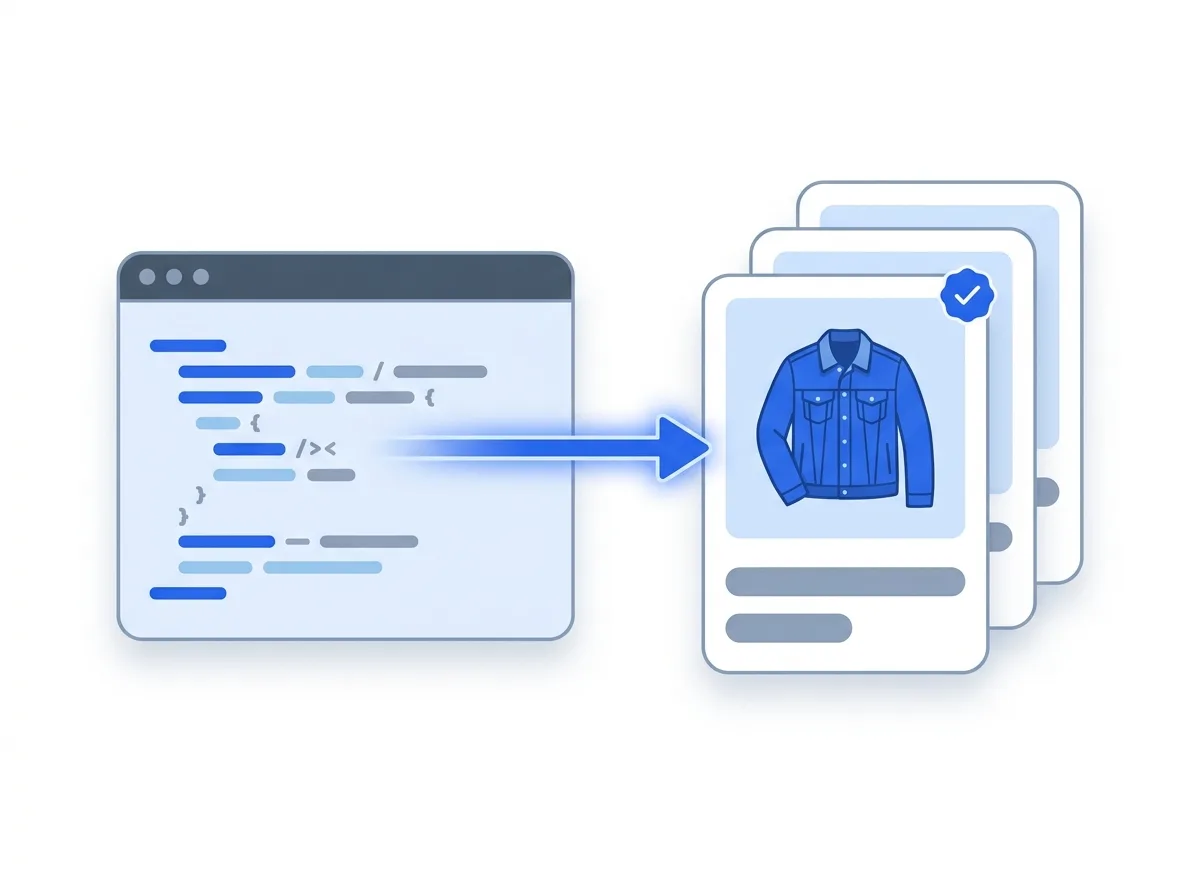
A listing created from your script through the API

Schedule your publishes

Included in Boutique AI

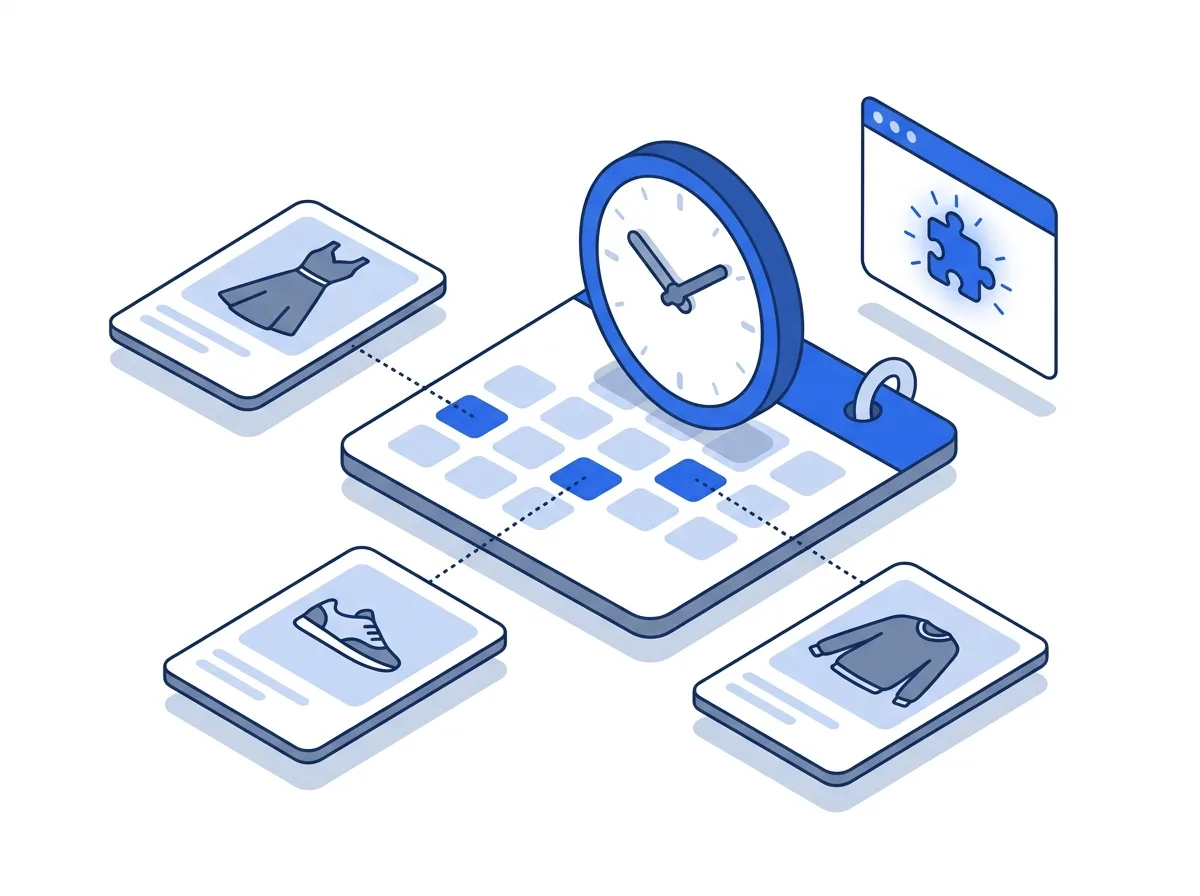
Send up to 250 listings created on Dotb and not yet on Vinted (with at least one photo) in one call to POST /items/schedule, each with its own date and time, and Dotb publishes them to Vinted at those times, or leaves them as Vinted drafts. Important: the Dotb browser extension performs the publish, so the browser extension must be running (browser open, extension active) both when you schedule and when the publish runs; once queued, a schedule waits and is retried when the extension comes back.

Listings scheduled on a calendar, published by the extension

Read your Vinted orders

Included in Boutique AI

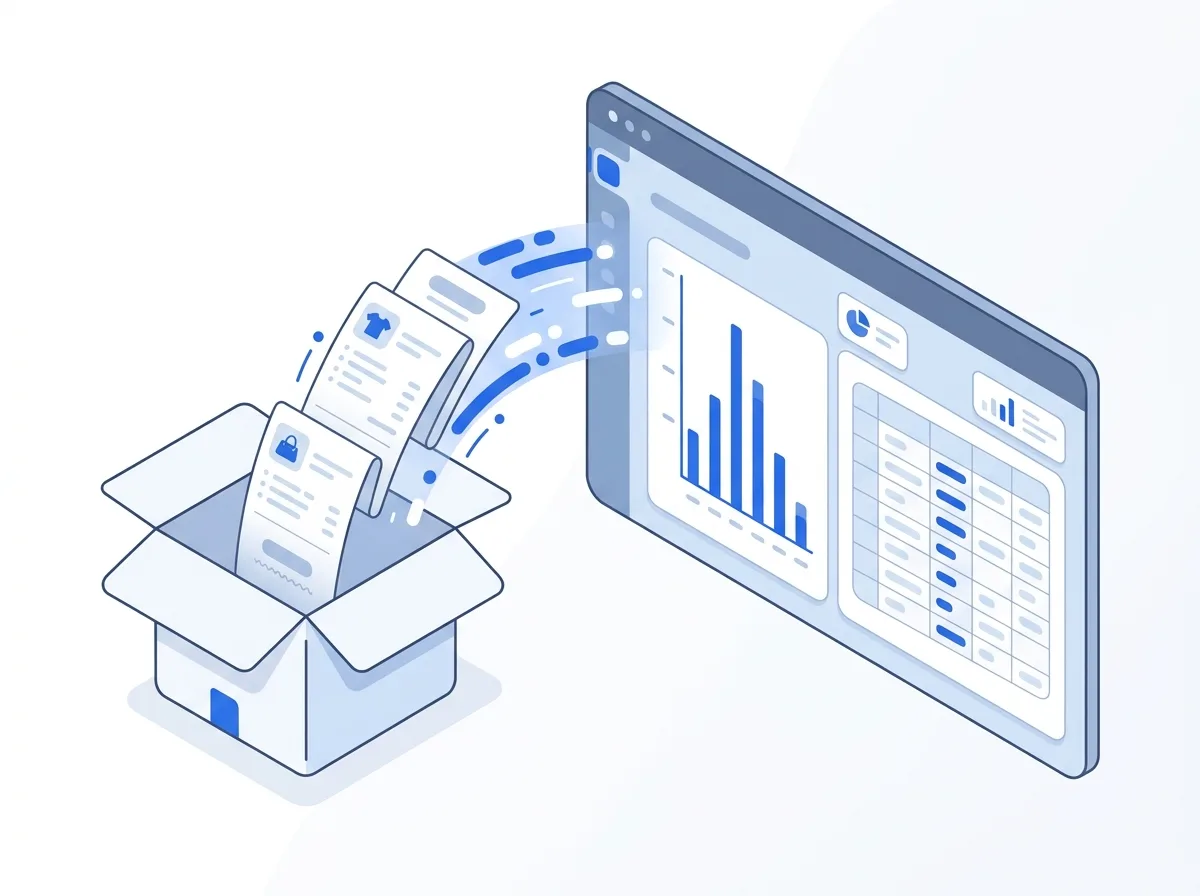
Read the orders that Dotb has synced from your Vinted account, and use them in your own dashboards, spreadsheets or workflows.

Vinted orders flowing into a dashboard and a spreadsheet

Tools our users built

Point your AI assistant at the API and start building

Dotb's API is described for AI assistants: a machine-readable summary (llms.txt), the OpenAPI specification and an interactive reference where you can try every call from your browser.

  1. 1 Create an API token in your settings (Boutique AI plan).
  2. 2 Give your AI assistant (ChatGPT, Claude, Cursor…) the llms.txt link.
  3. 3 Describe the tool you want, let it write the code, and run it with your token.
Instructions for your AI agent
You are helping me build a tool on the Dotb public API (automation for Vinted sellers).

1. Read the API description first: https://dotb.io/api/public/v1/llms.txt (OpenAPI spec: https://dotb.io/api/public/v1/openapi.json).
2. Base URL: https://dotb.io/api/public/v1. Send `Authorization: Bearer <token>` on every request. Read the token from the DOTB_API_TOKEN environment variable; never hard-code, log or print it.
3. Start with GET /accounts to check the token and list my Vinted accounts.
4. The API works with my data on Dotb, not with Vinted directly. Create listings with POST /items, add at least one photo with POST /items/{id}/photos, then schedule their publication with POST /items/schedule (up to 250 per call). The Dotb browser extension performs the publish, so it must be active in an open browser when scheduling and at publish time.
5. Read my orders with GET /orders and GET /orders/{id}.
6. Respect the rate limits (60 requests per minute, 10,000 per day per token): on a 429, wait the Retry-After seconds. Errors look like {"error": {"type", "message", "details", "request_id"}}: show me the message and the request_id.
7. Ask me before deleting anything or cancelling a schedule.

The tool I want: [describe your tool here]
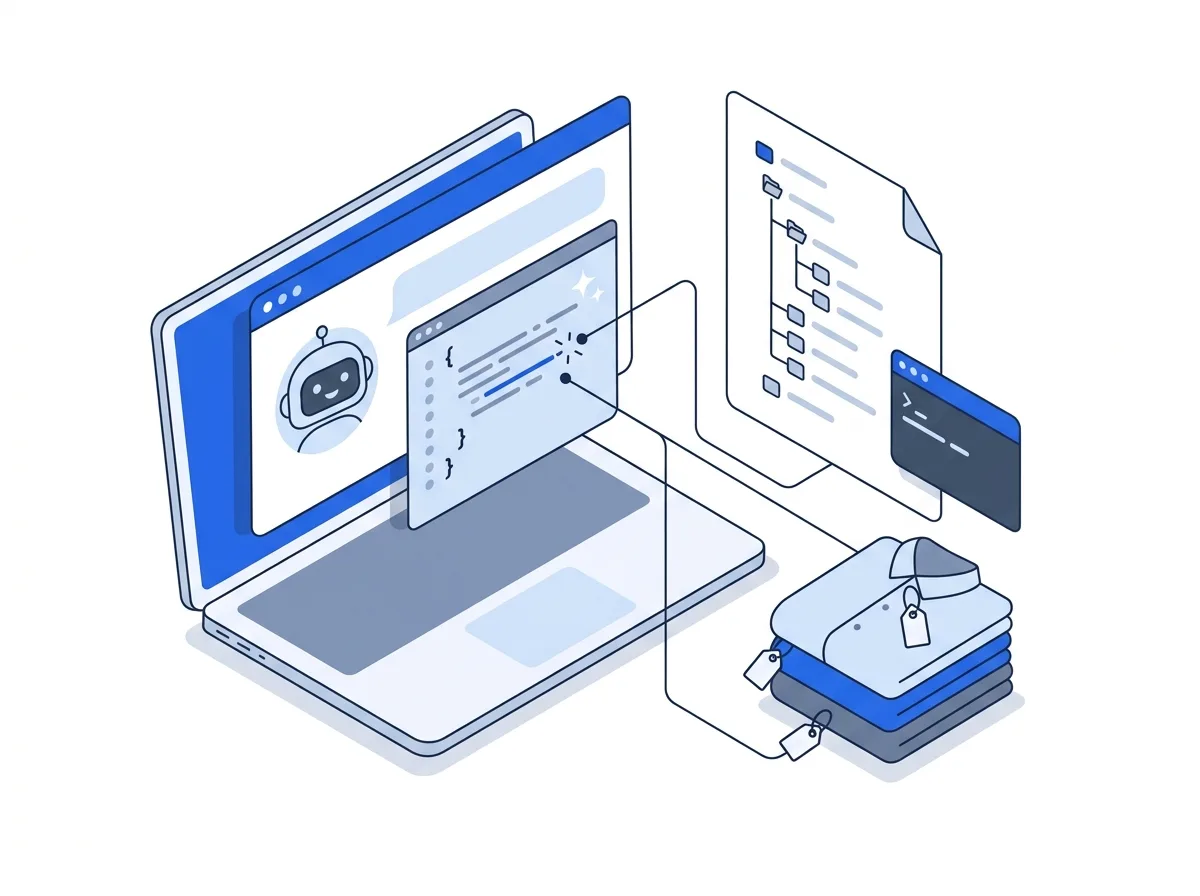
An AI assistant writing code from the API description

A Vinted API for your own tools

Every Vinted shop works a little differently. Dotb's public REST API lets you build the tool that fits yours: create listings on Dotb from your own scripts, schedule their publication, and read the Vinted orders Dotb has synced, then publish the listings to Vinted with the browser extension. The API does not interact with Vinted directly, it works with your data on Dotb. You can also bring listings in from a spreadsheet with the CSV import, and follow your sales in orders management.

Your AI assistant can write the code

The API comes with a machine-readable summary at /api/public/v1/llms.txt and the raw OpenAPI specification at /api/public/v1/openapi.json. Give one of them to ChatGPT, Claude, Cursor or another AI assistant, describe the tool you want, and it can write the code.

Scheduling publishes

POST /items/schedule schedules up to 250 listings created on Dotb and not yet on Vinted (with at least one photo) in one call, each with its own publish time, and GET /scheduled-publishes shows how each one went. The Dotb browser extension performs every scheduled publish: your browser must be open and the extension active both when you schedule and when the publish runs. Once queued, a schedule waits and is retried when the extension comes back.

Authentication

Every request is authenticated with a personal API token, sent as a Bearer token in the Authorization header. Create and manage your tokens from your API tokens settings. The base URL is https://dotb.io/api/public/v1, and the interactive API reference lets you browse every endpoint and try calls from your browser.

Read the full guide: API reference.

Frequently asked questions

Other features

Selling on Vinted ?

Join 17,371+ sellers using Dotb to grow their Vinted shop.